⌖
Reference frames
A tree of frames with positions, attitudes (quaternions), axes and labels. Follow any frame, or look from one frame toward another.

Modern Fortran · Vulkan · VulkanSceneGraph
vkframes is a next-generation 3D library for visualizing, animating and simulating spacecraft missions in Fortran. Build a scene of frames, bodies and trajectories, drive it with your simulation's clock, and watch it play out in real time, rendered by Vulkan on modern GPUs.
What it is
vkframes is heavily inspired by OpenFrames, the OpenSceneGraph-based library behind the visualizations of tools such as NASA's GMAT and Copernicus. It covers OpenFrames' features, but its API is designed for Fortran from the start: derived types with type-bound procedures, double-precision arrays, optional arguments and no hidden global state.
Underneath, a thin C++ layer drives VulkanSceneGraph and Vulkan; everything else (the scene, the math, the data) lives in Fortran. Your program owns its objects, and the scene holds pointers to them.
What you can do
A tree of frames with positions, attitudes (quaternions), axes and labels. Follow any frame, or look from one frame toward another.
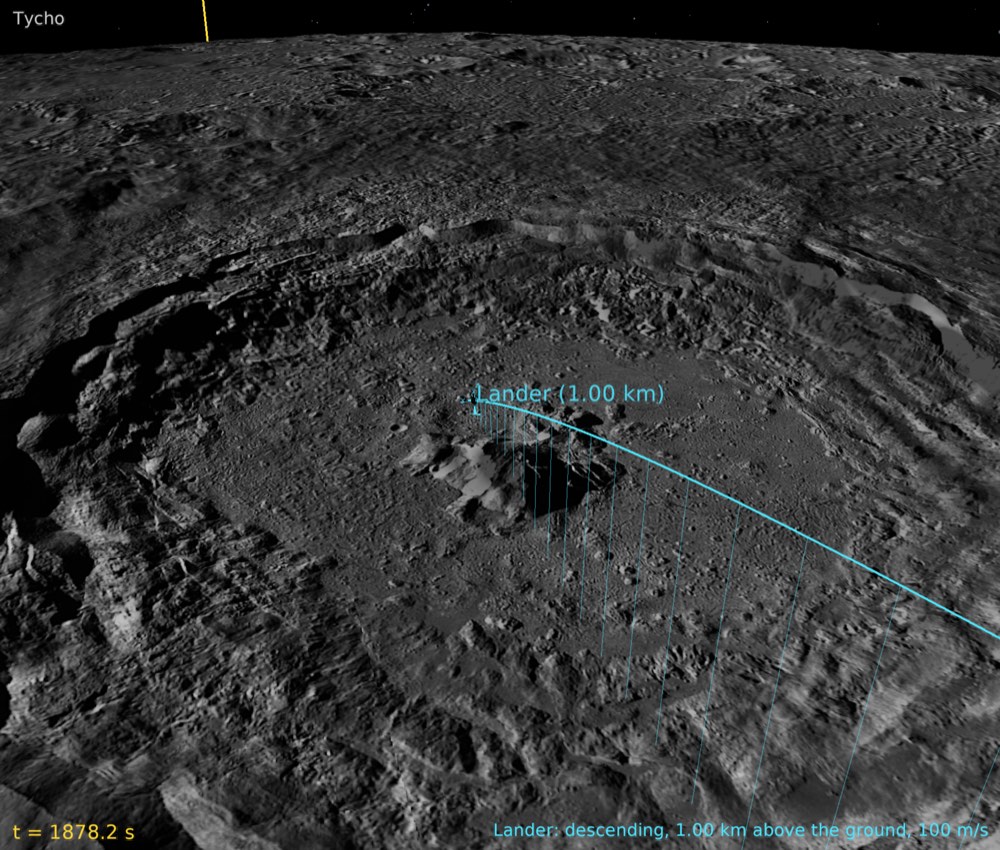
Spheres and exact ellipsoids with day and night textures, lighting and twilight; 3D models through vsgXchange; terrain and imagery through Rocky.
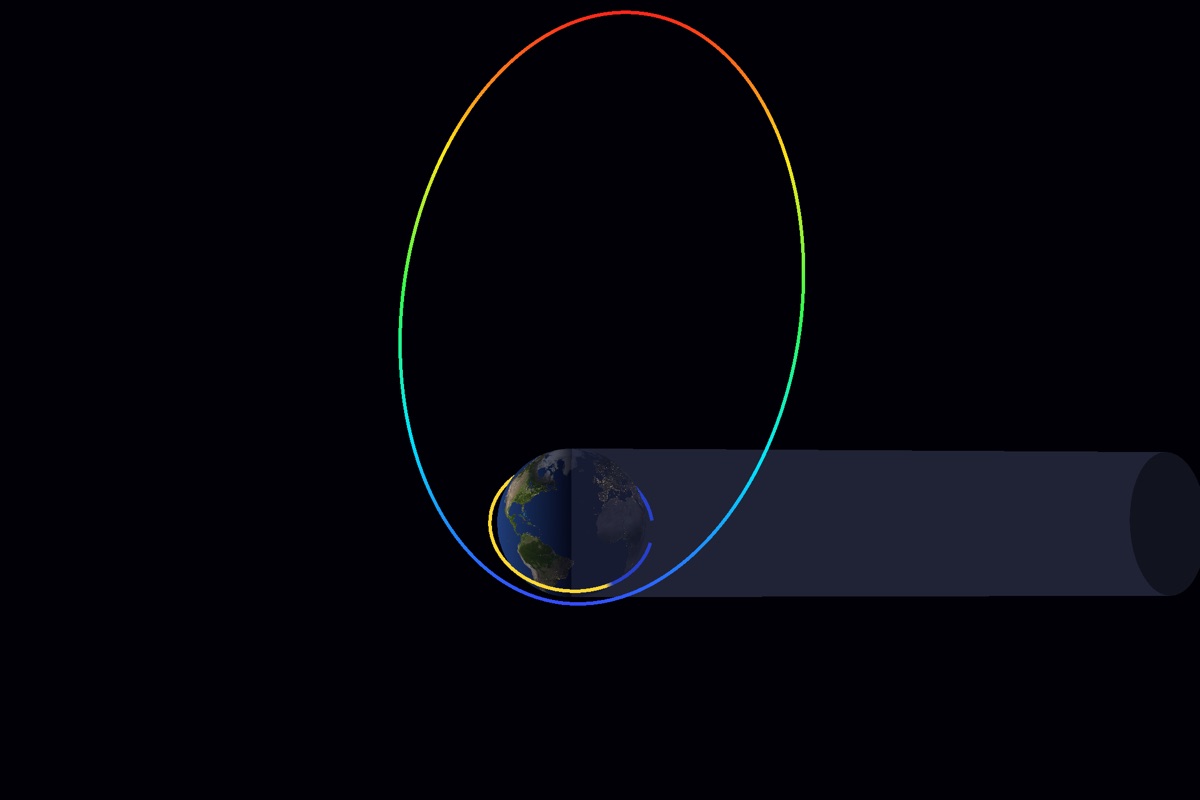
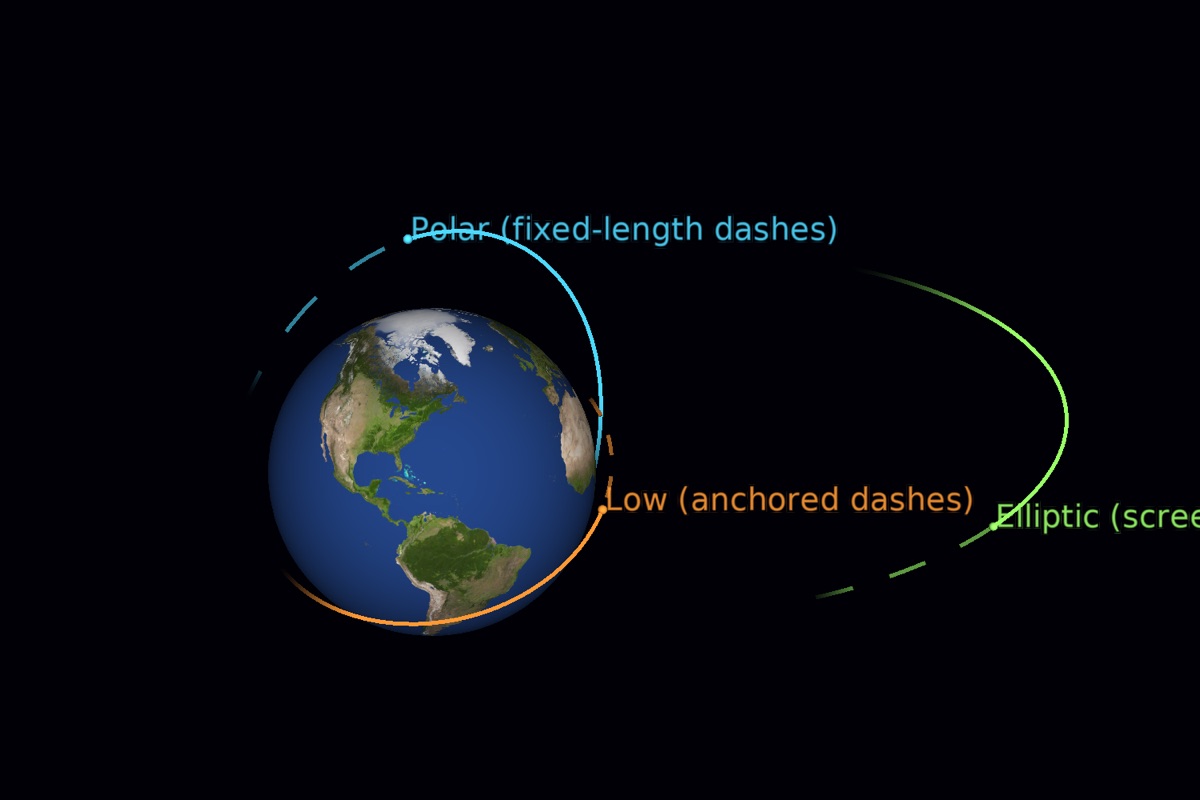
Curves with dash patterns, markers, segments, ribbons, per-point colors, trace mode and fading trails that show the past and future around the current time.
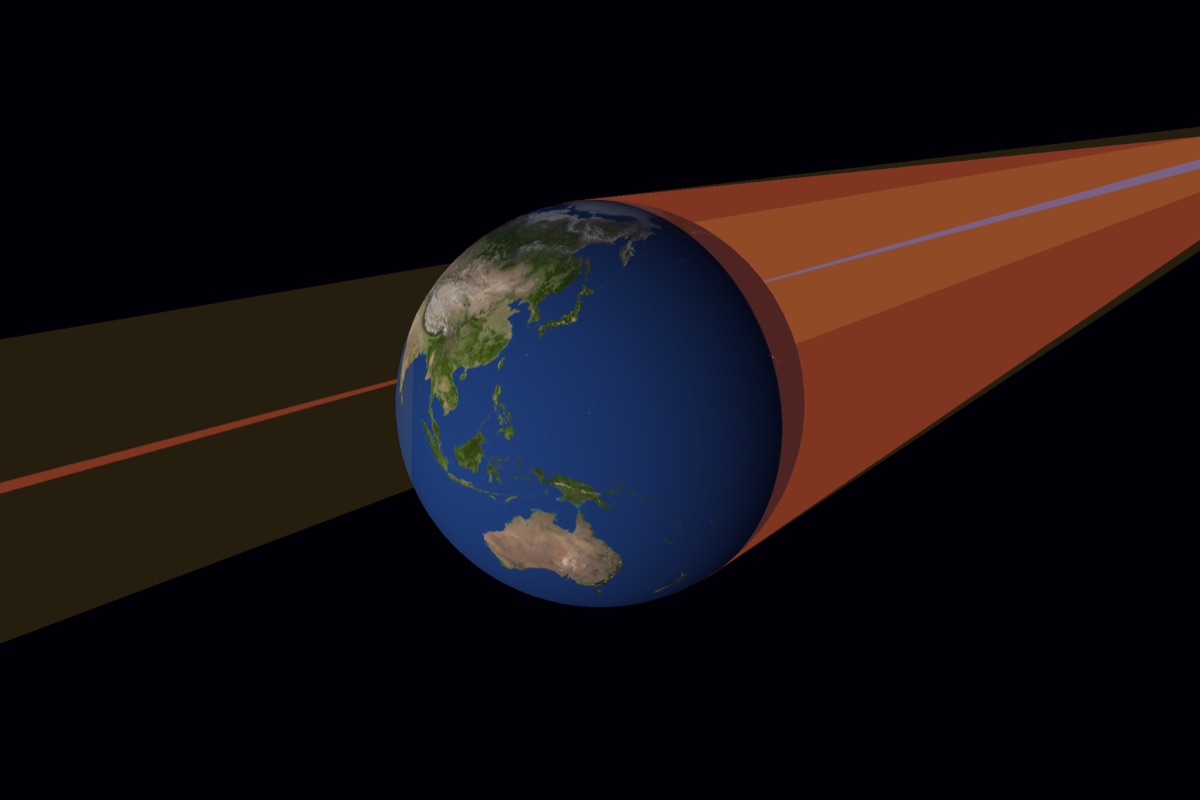
A frame can be the Sun: day and night sides, city lights, specular glints, and shadow cones (umbra, penumbra, antumbra) that follow the bodies.
The HYG star catalog sized and colored by brightness, a sky texture, star names and constellation lines, all at infinity behind the scene.
Coordinate axes with ticks, latitude/longitude grids, radial planes, sensor cones, polyhedra and surfaces, and lines of sight computed each frame.
Pick trajectories, markers and bodies under the mouse. Drag velocity arrows or a trajectory's end to design orbits graphically, in real time.
Smooth camera flights between views, synchronized clocks across windows, screenshots, and video recording straight to ffmpeg at a steady frame rate.
Dear ImGui panels drawn in the scene, HUD text and callouts that follow objects, and windows embedded in Qt or PySide6 applications.
Gallery
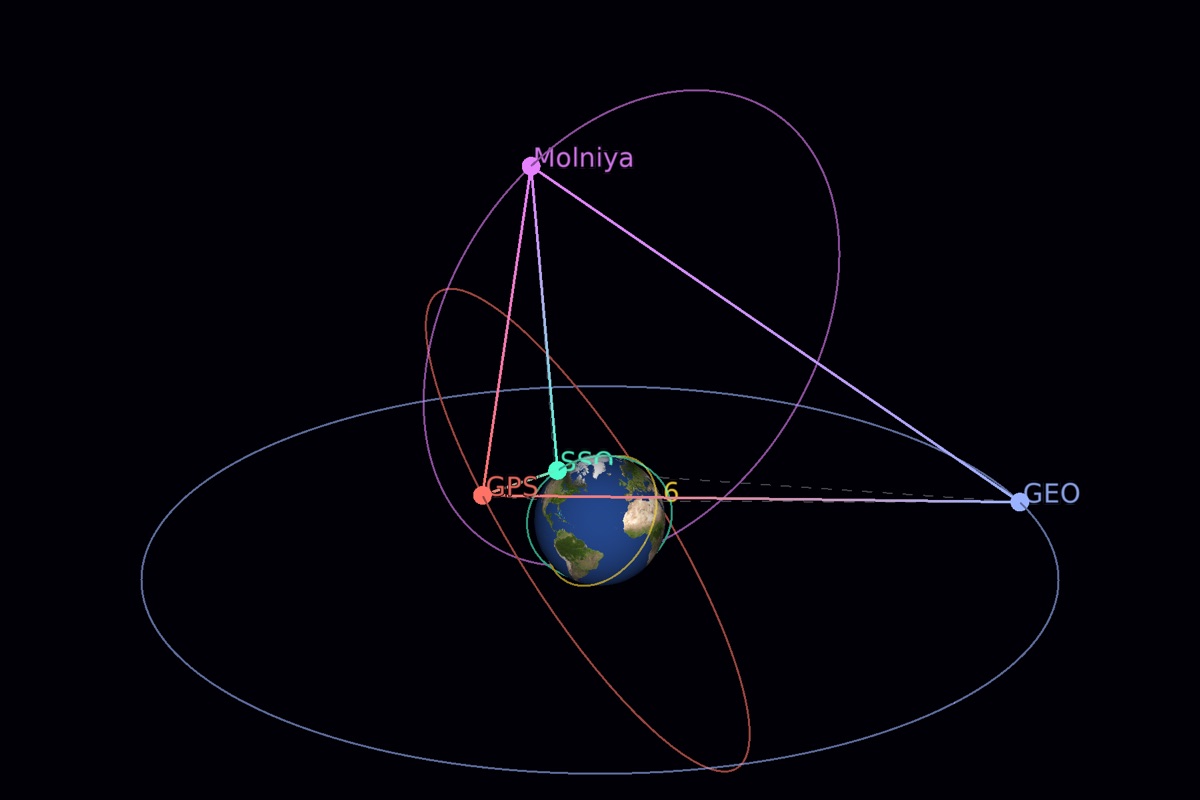
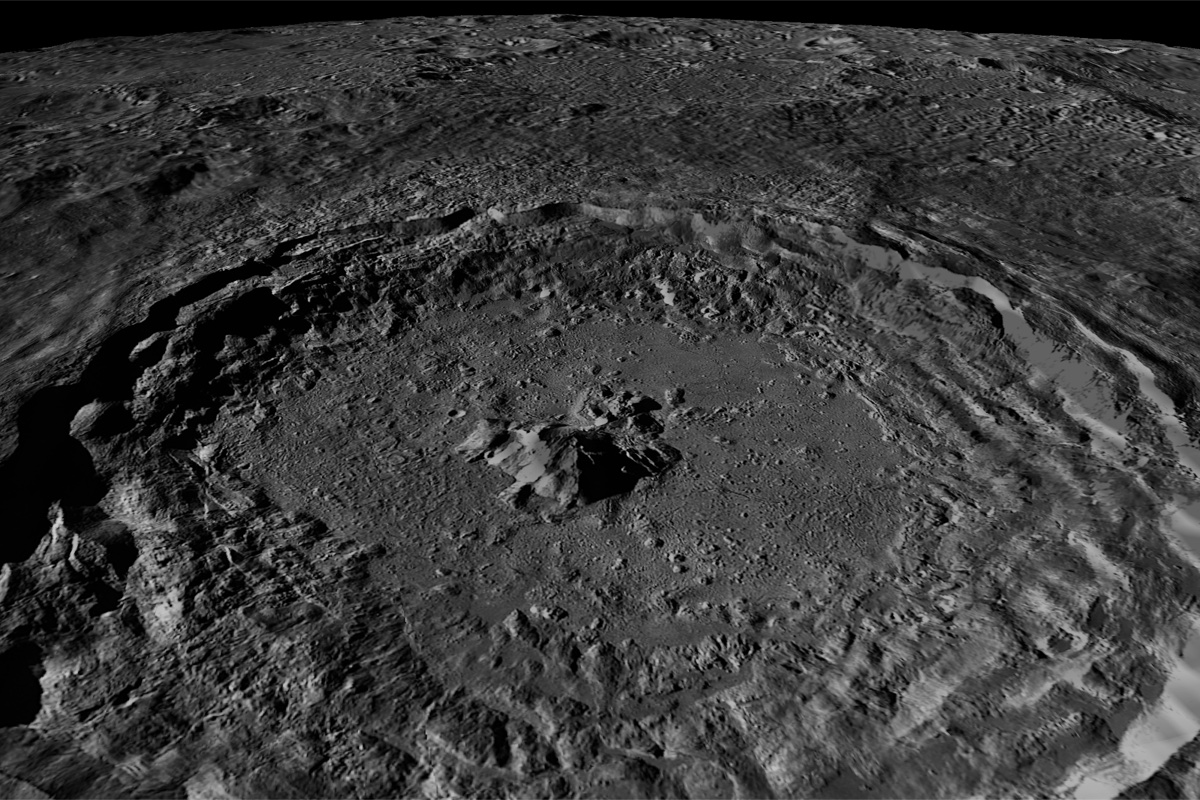
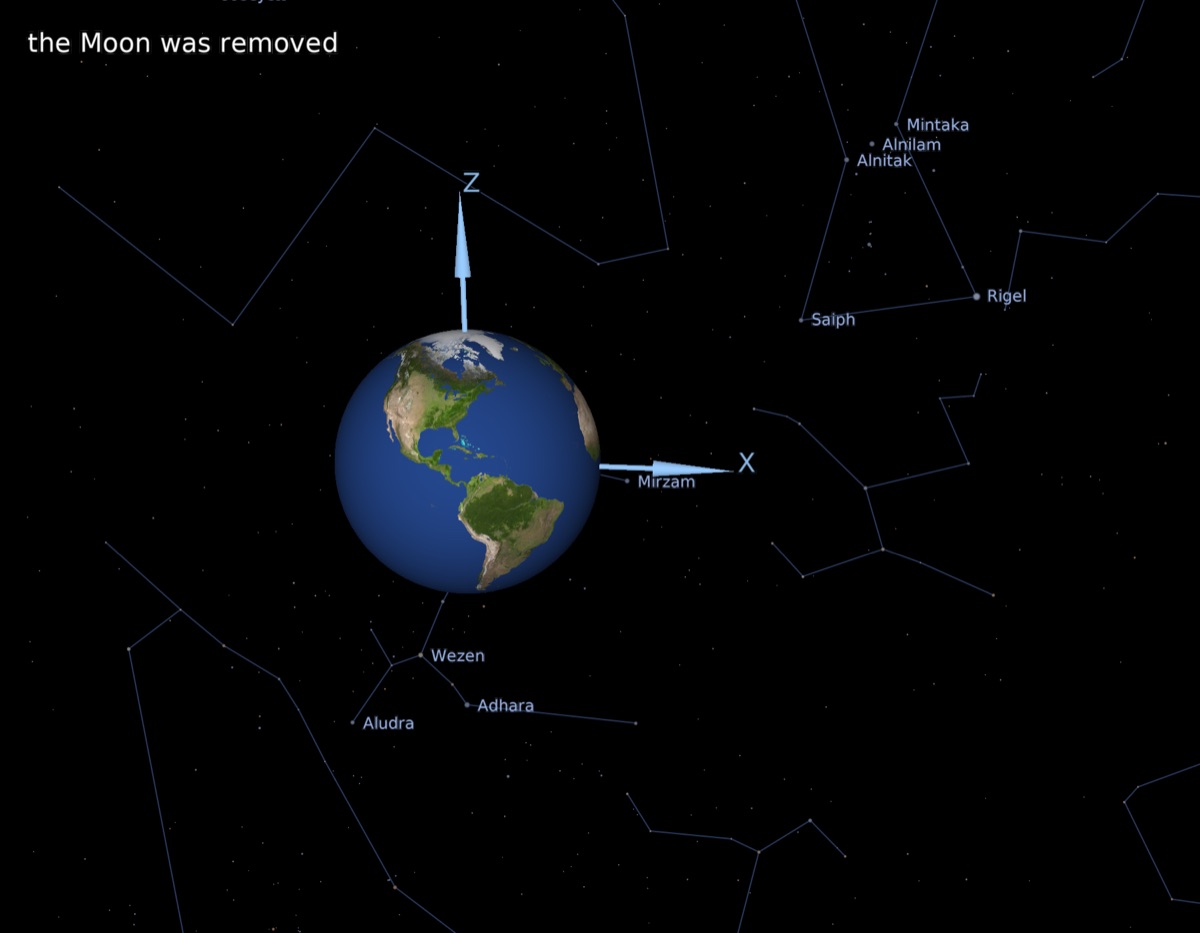
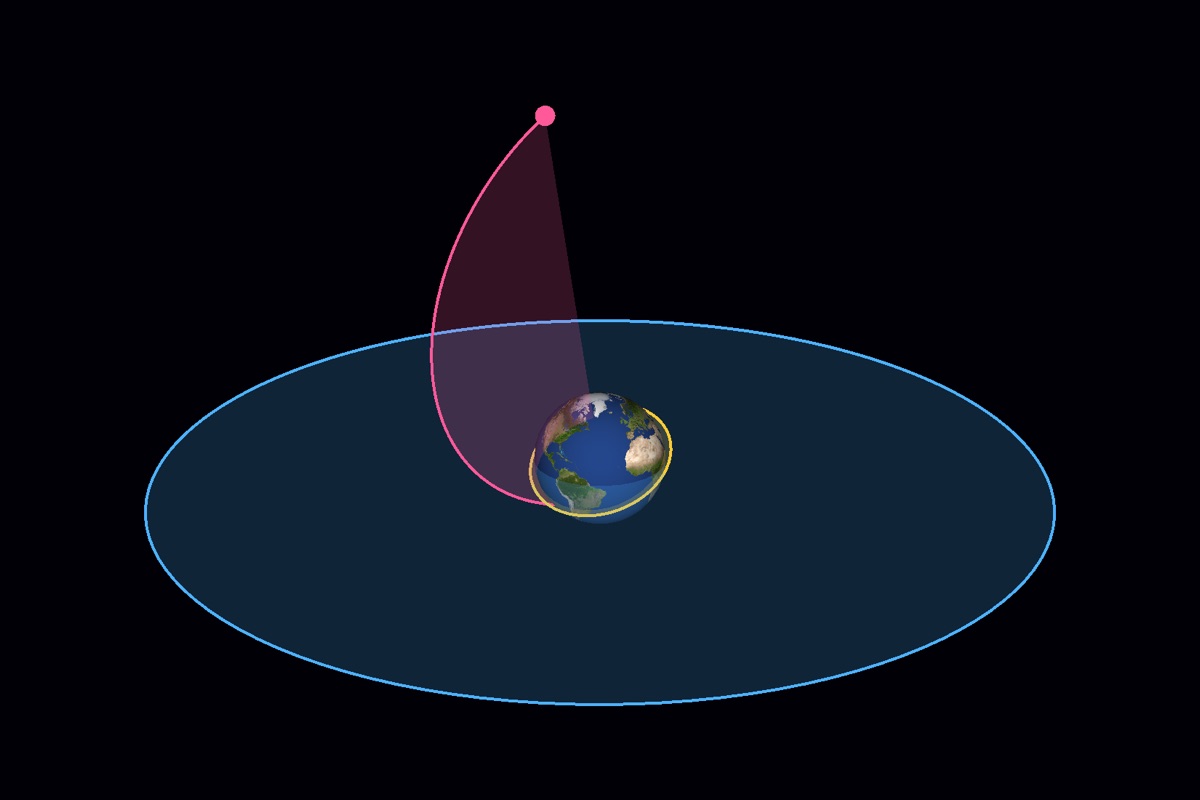
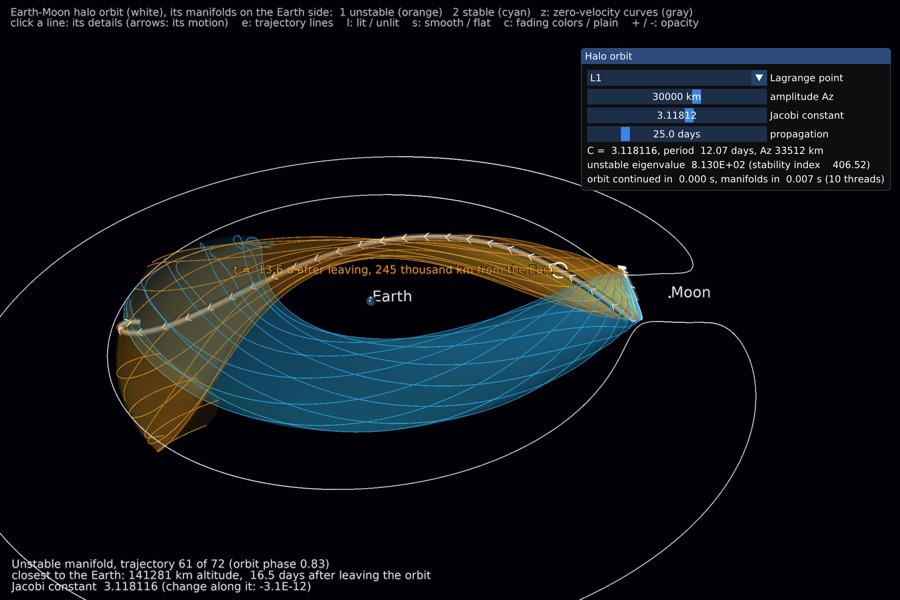
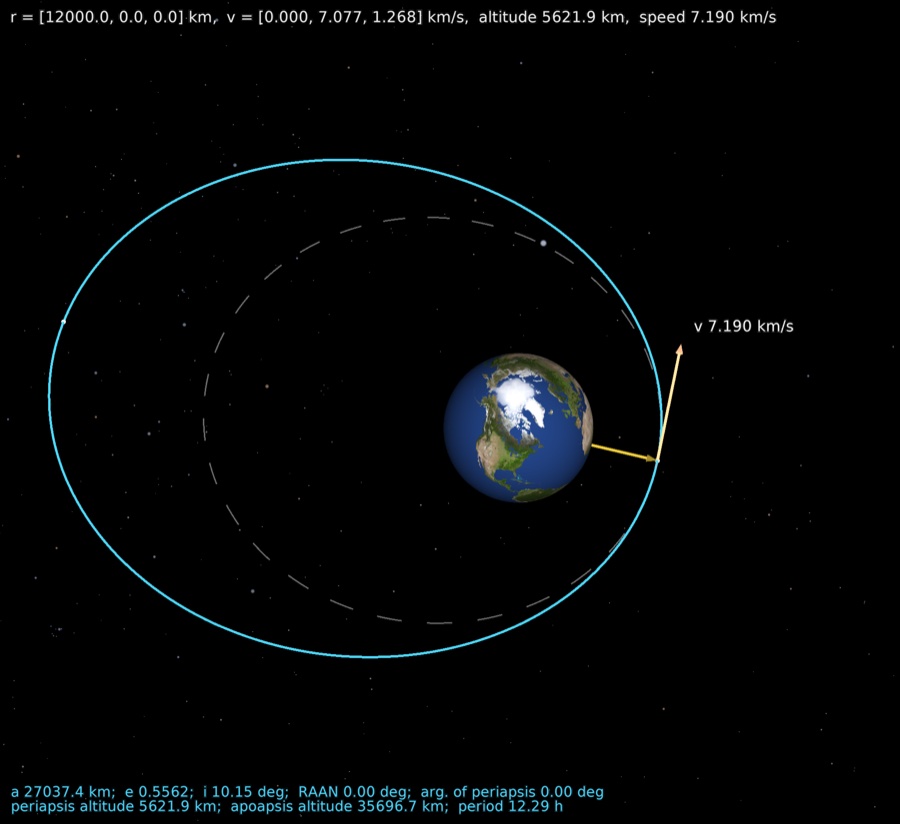
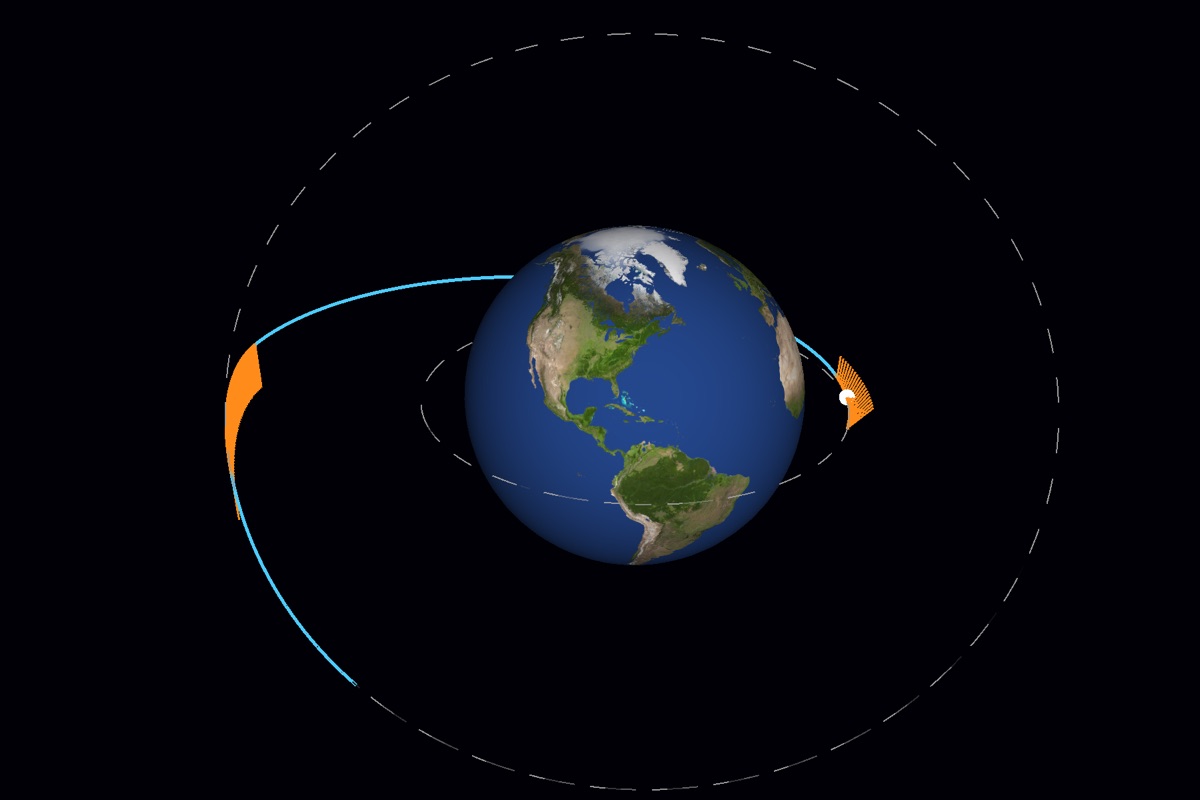
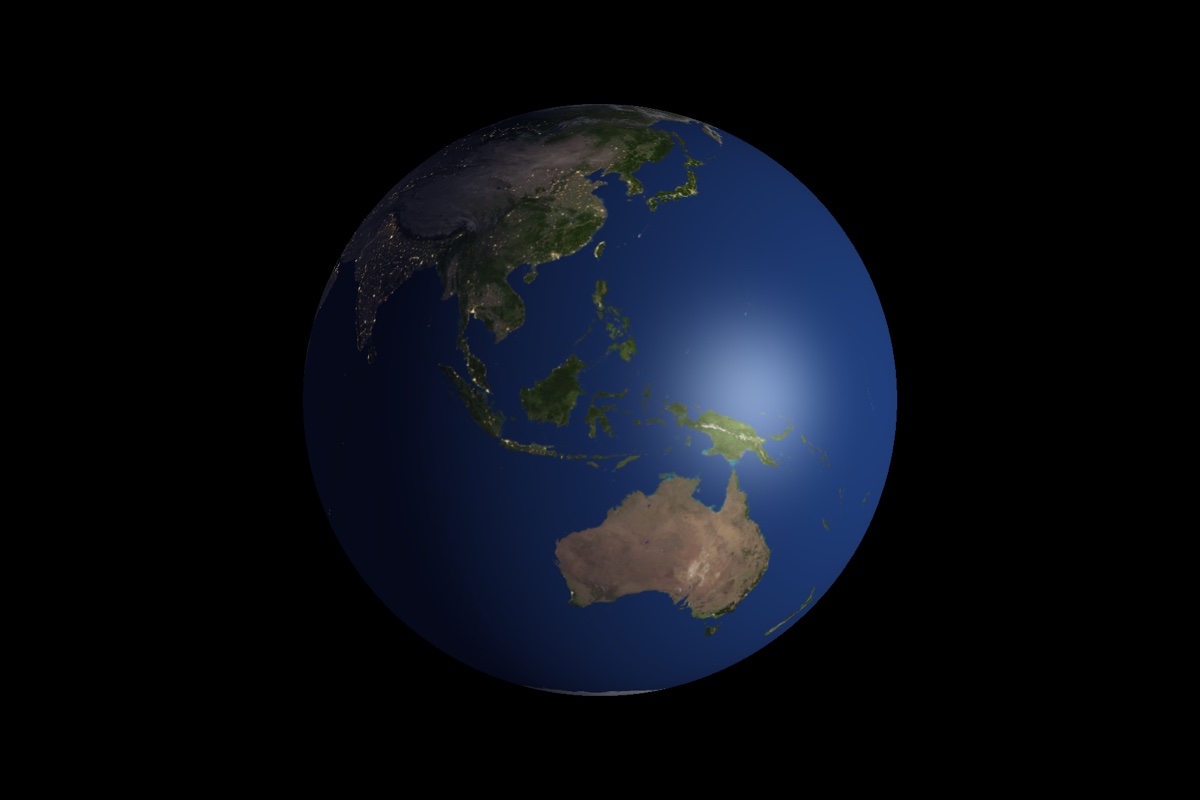
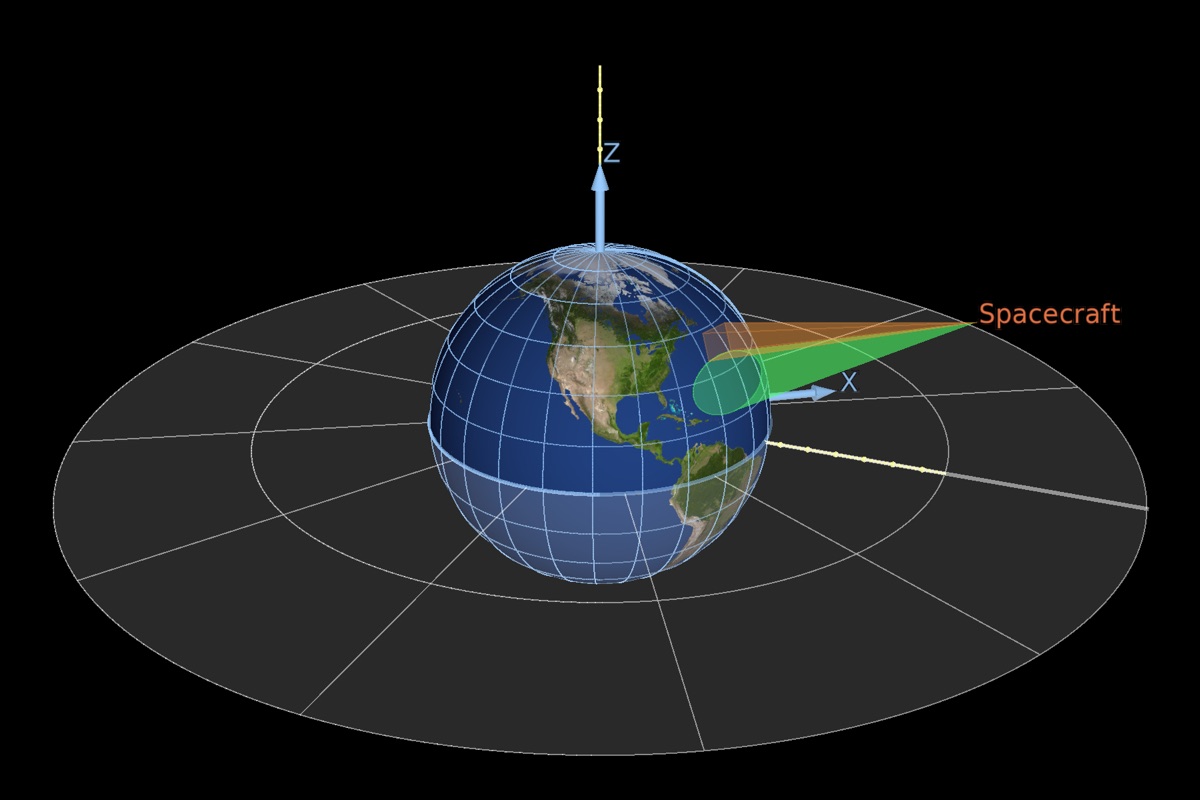
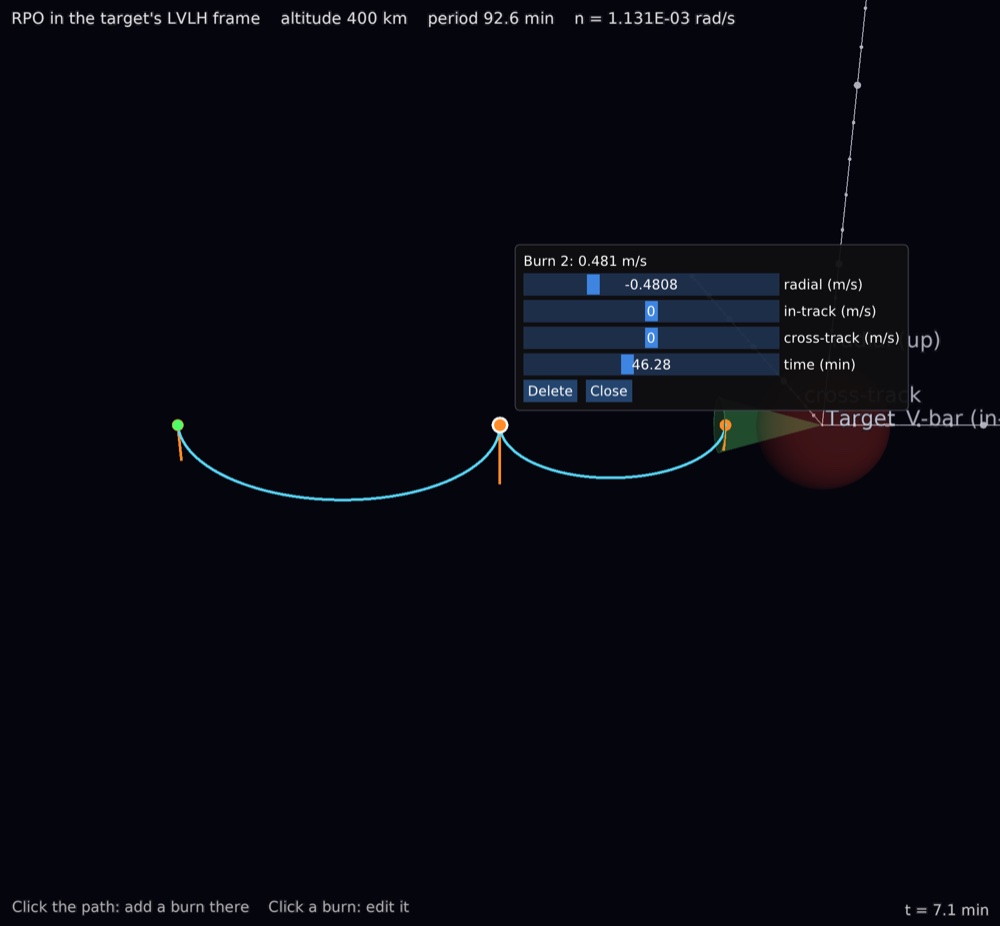
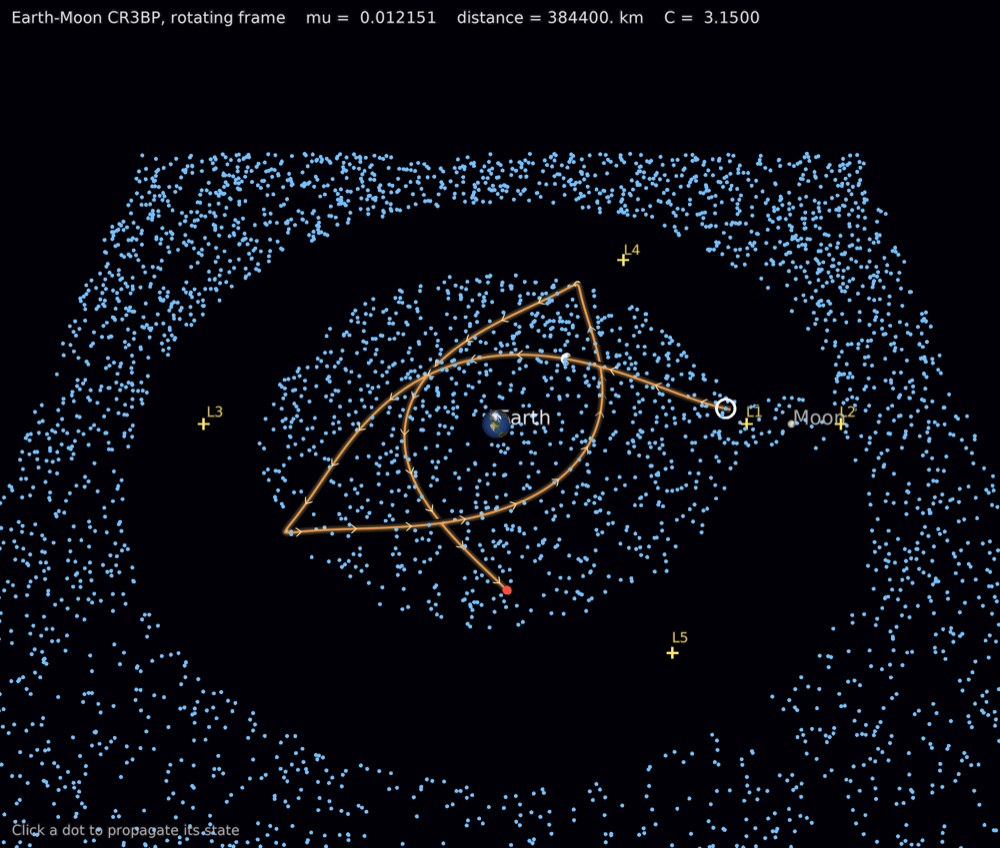
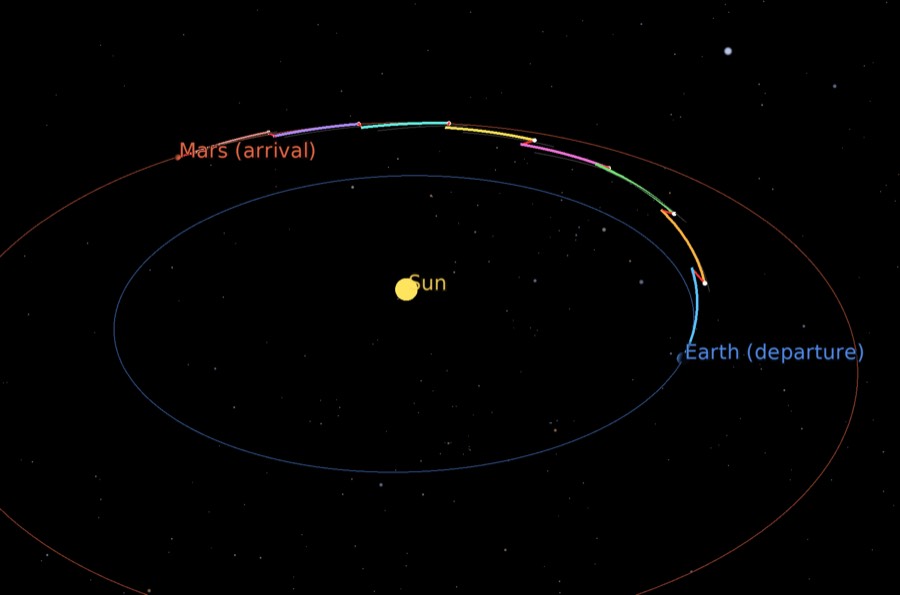
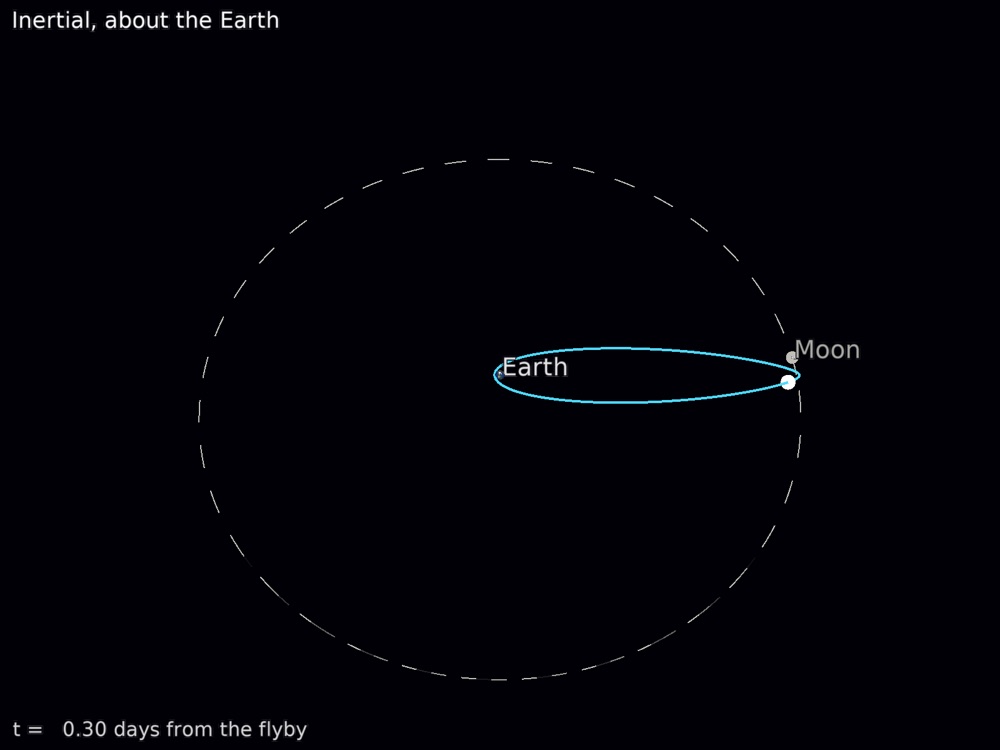
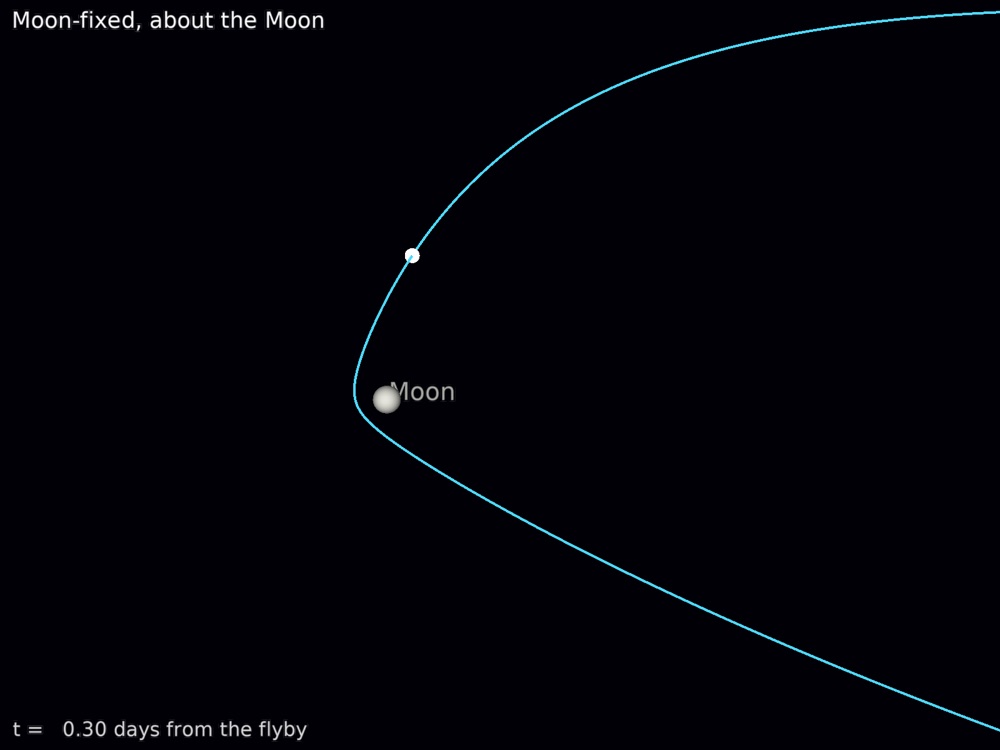
Every image here is a vkframes example or demo, captured from the running program. Click one to see it larger.
A small program
The Earth, a spacecraft on an inclined circular orbit, and the orbit drawn as a line.
Objects are plain Fortran variables: declare them target, connect them
into a tree, and run the frame loop.
program orbit_demo
    use vkframes
    implicit none
    real(wp), parameter :: re = 6378.137_wp, inc = 50.0_wp * pi / 180.0_wp
    type(Sphere), target :: earth, craft
    type(Trajectory), target :: orbit
    type(DrawableTrajectory), target :: orbit_frame
    type(CurveArtist), target :: orbit_line
    type(FrameManager), target :: scene
    type(WindowProxy), target :: window
    type(View), target :: earth_view
    real(wp) :: t, a
    integer :: k

    earth = Sphere('Earth', radius=re)
    call earth%set_texture_map('2k_earth_daymap.jpg')
    craft = Sphere('Spacecraft', radius=300.0_wp, color=[1.0_wp, 0.3_wp, 0.2_wp])

    ! a circular orbit inclined 50 degrees, over one period
    orbit = Trajectory()
    do k = 0, 360
        t = 600.0_wp * k / 360.0_wp
        a = 2.0_wp * pi * t / 600.0_wp
        call orbit%add(t, pos=1.6_wp * re * [cos(a), sin(a)*cos(inc), sin(a)*sin(inc)])
    end do
    call craft%follow(orbit)

    ! the orbit drawn as a line
    orbit_line = CurveArtist(orbit, color=[1.0_wp, 0.8_wp, 0.2_wp], width=2.0_wp)
    orbit_frame = DrawableTrajectory('Orbit')
    call orbit_frame%add_artist(orbit_line)
    if (.not. (earth%add_child(craft) .and. earth%add_child(orbit_frame))) error stop
    scene = FrameManager(earth)

    if (.not. window%open(800, 600, 'vkframes')) error stop
    call window%set_scene(scene)
    earth_view = View(earth, earth)
    call earth_view%set_default_view_distance(2.5_wp * re)
    call window%add_view(earth_view)
    do while (window%frame())     ! until the window is closed
    end do
    call window%close()
end program orbit_demo
Get started
Install pixi, which brings the Fortran and C++ compilers, VulkanSceneGraph and every other dependency. Then, from the repository:
$ git clone https://github.com/jacobwilliams/vkframes
$ cd vkframes
$ pixi run build
$ pixi run example orbit_demo
More than twenty examples (pixi run example <name>) and a set of demos, including Qt and PySide6 GUIs, show each feature.
Platforms
Open source
vkframes is free and open source, under the Apache License 2.0: use it, change it and ship it in your own programs, commercial ones included.
It is built entirely on an open-source, cross-platform foundation: the Vulkan standard, VulkanSceneGraph and vsgXchange, glslang, Dear ImGui, gfortran and fpm, all installed from conda-forge by pixi. On macOS it draws through KosmicKrisp, Mesa's open-source Vulkan driver for Metal. Nothing proprietary is needed to build or run it.
Built on